How to Configure LCMD Network
In addition to modifying the network through the system settings page, for some developers, LCMD also provides more flexible ways to configure the network. This article will introduce how to modify network configuration through configuration files.
First, you need to obtain SSH permissions for LCMD. Once you log into LCMD via SSH, you can use the nmtui and nmcli commands to modify network configuration. Below is an example of reconfiguring wired connection to use static IP.
Set Static IP
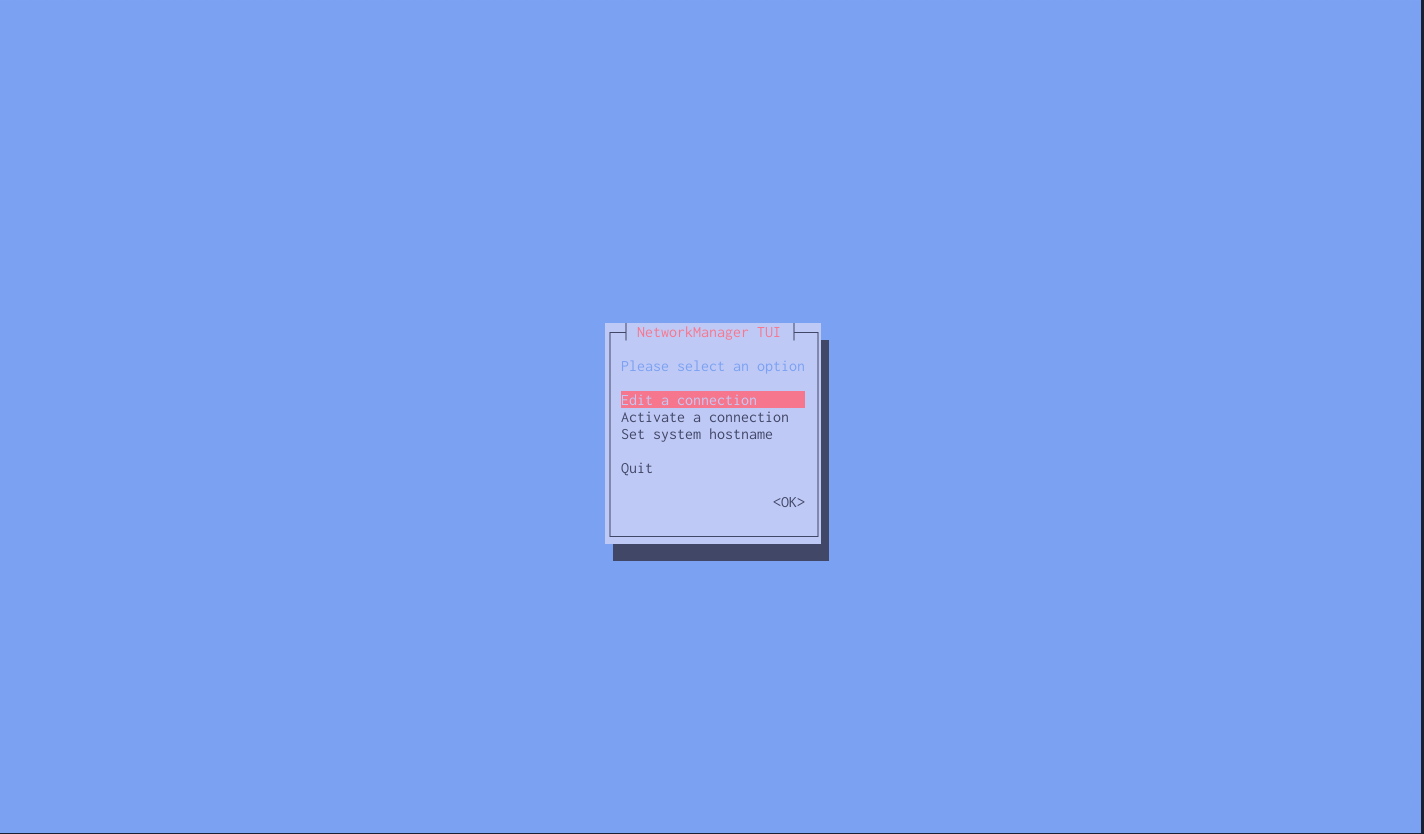
After executing the nmtui command, you will enter an interactive interface. Select the Edit a connection option, choose the connection you want to modify, such as Wired connection 1, then select Edit. In the popup interface, select IPv4 CONFIGURATION, set Method to Manual, then add Address, Netmask, Gateway, DNS Servers and other information. Finally, select OK to save the settings.
After completion, you can reload the network configuration using the nmcli command, for example:
nmcli device reapply enp2s0